Did you add support for the custom application?
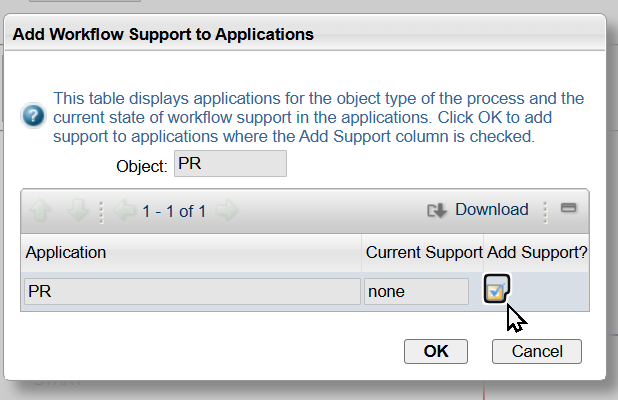
Lnik: https://www.ibm.com/docs/en/mfci/7.6.1?topic=processes-adding-workflow-support-applications
Begining part of description at the above link:
Adding workflow support to applications
Last Updated: 2021-03-08
Workflow actions or buttons are not included with any of the applications when you install them. You can add the workflow actions and buttons to an application without activating a process. For example, you can make the actions and buttons visible for user training. You can also create customized toolbar buttons before activating a process.
Before you begin
Users are not automatically granted access to workflow actions. An administrator must use the Security Groups application to grant users security permissions to workflow actions. The workflow actions appear in the Security Groups application when you add workflow support to an application. You can grant users access to actions before you activate a process.
------------------------------
Christopher Winston
Projetech Inc.
IBM Champion 2024
------------------------------
Original Message:
Sent: 12-24-2024 00:08
From: Artyom Polyakov
Subject: do not showing ROUTEWF
Hello everyone,
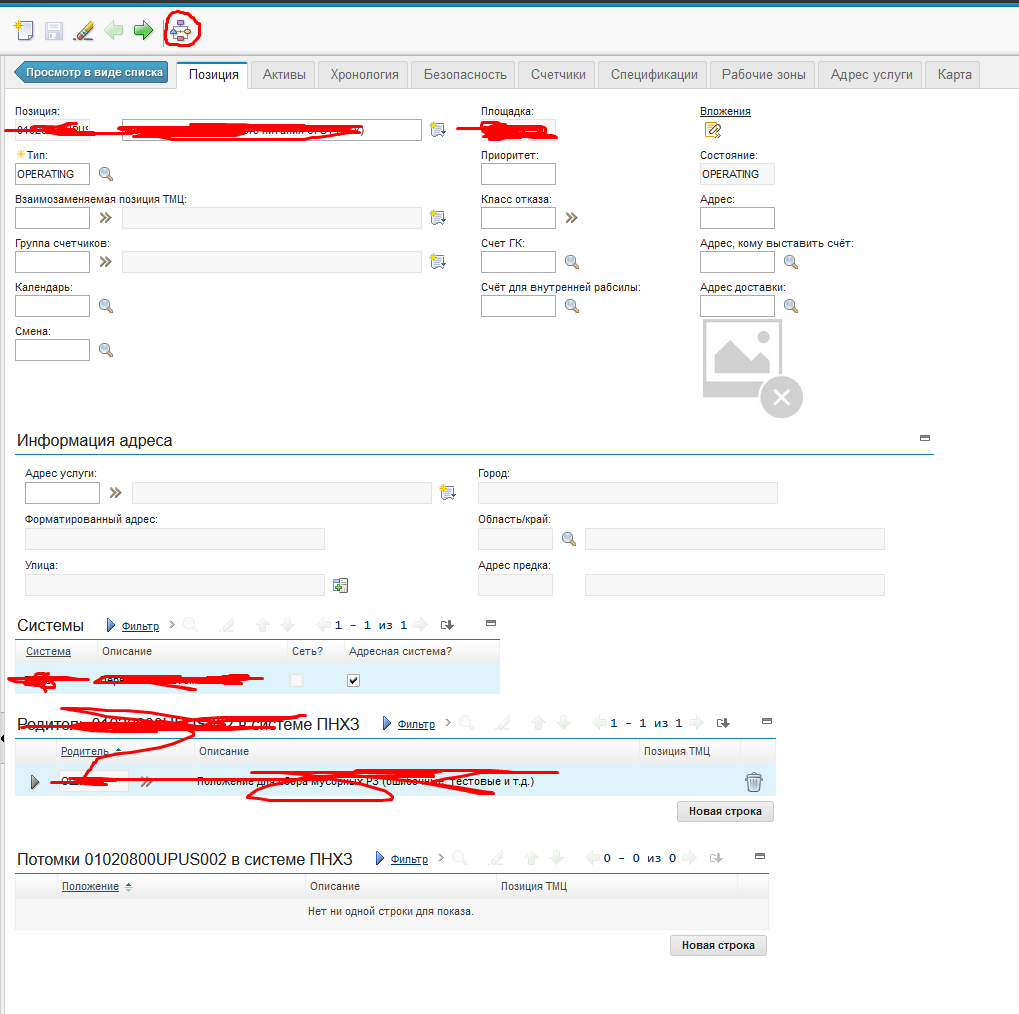
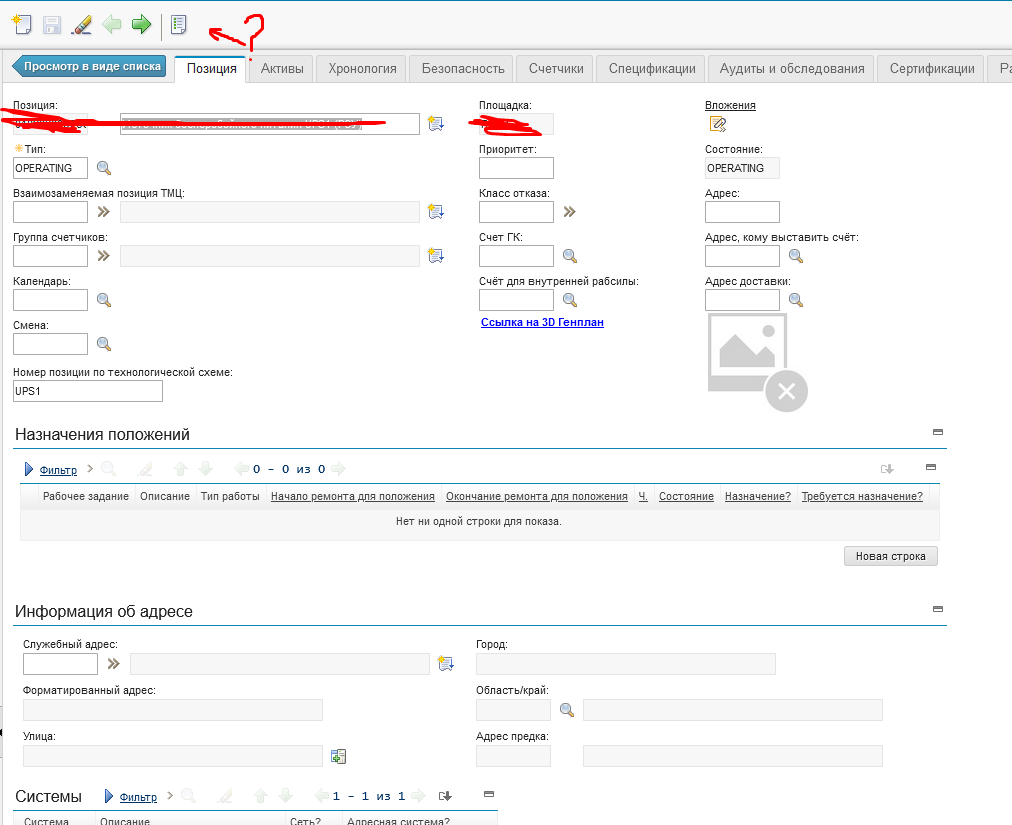
In my Maximo custom app 'Location,' the 'RouteWF' button is not showing. I don't know how to make this button visible in Designer. in default app this button is showing like image.
#Administration
------------------------------
Artyom Polyakov
BF GROUP
------------------------------