I don't use MXLoader but using an object structure with the psdi.iface.app.asset.MaxAssetProcess inbound processing class (or something that extends this class) set on it, with the LOCATION attribute RESTRICTED, you should be able to set the LOCATION attribute in your spreadsheet and trigger the proper move/modify logic.
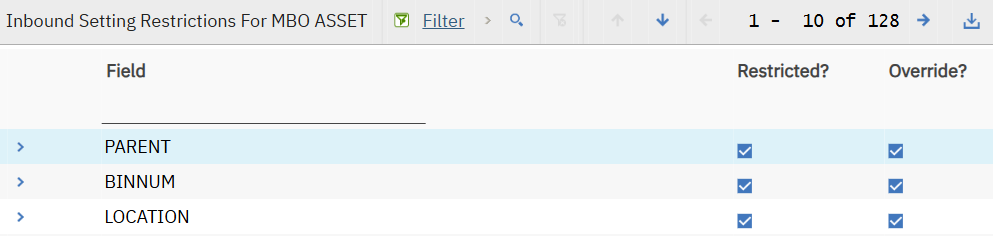
The restricted flag is set by default on object structures like MXASSET but to confirm, you can use the Inbound Setting Restrictions dialog on the object structure in the Object Structures application. This is also where you would verify the correct inbound processing class is referenced.
------------------------------
Steven Shull
Naviam
------------------------------