Hi David,
Please follow steps given below-
- Go to Domains - filter WOSTATUS domain
- Under each status value add Organization. If status is used by all organization for example - WAPPR, WSCH, APPR, COMP, CLOSE etc then don't fill Org ID into them. For others fill specific organization to which they belong.
- Once done click OK.
- Go to user record or from Default Information under Profile add Default Site.
- Logout and login to check the filtered list. It will show - All status values which are for Common for all Org + Status which are available for Org to which user belong (via Site).
If you need further control - you can put SQL Conditions created by Condition expression manager. Use View/Modify Condition button to associate conditions for each or specific status.
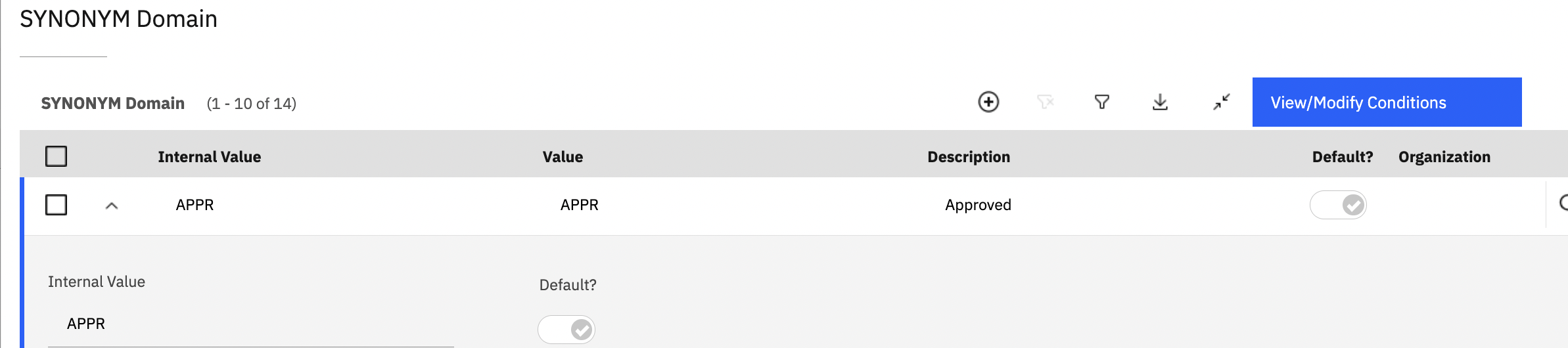
Example - https://www.ibm.com/support/pages/maximo-75-restricting-list-available-statuses-based-current-record-status
Thanks