HI David,
Maximo does not have the concept of 'trouble tickets'. There was way back used to be Work Requests, which were dropped, and the SR came into being. You are right in that they came from the IT side of Maximo, but today they are used to have anyone log a ticket for...well, anything. The main reason is that anyone can lodge without consuming a license through the self-service SR apps.'
You can access the self-service SR through Maximo the menu:
- Self Service | Service Requests | Create Service Request
- Self Service | Role Based Applications | Service Request
You can also raise them using Maximo Mobile. Please note that the Windows app was recently made available so this is an alternative to the Maximo interface.
In all cases, the initial screen is essentially the same. There will be a series of tiles, each of which is linked to a classification, but as already noted by Travis, they will only appear from an active ticket template. The ticket template is great as it cuts down the response needed from the user to:
- A description of the issue. NB: This is actually lodged in the long description as the description (referred as the summary field)
- The asset/location
- Any attachments
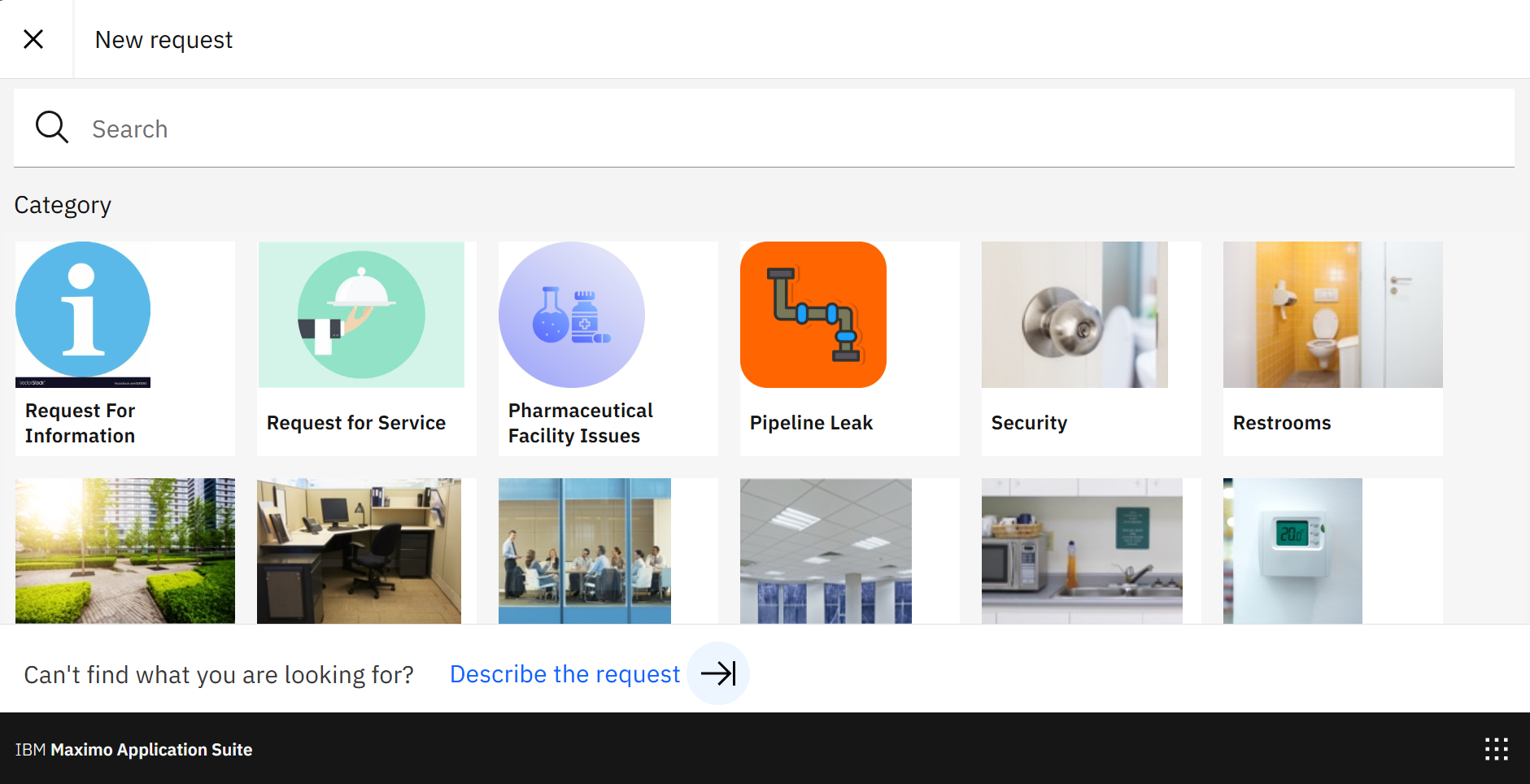
The SR offers you an area to triage as not all tickets will subsequently raise a work order. Have lots of flexibility for these new SRs to then be guided to the interested party or be escalated automatically.
You can rename the Service Requests to Trouble Tickets, though there is more work doing this in a comprehensive manner. I'd leave it and train the users.
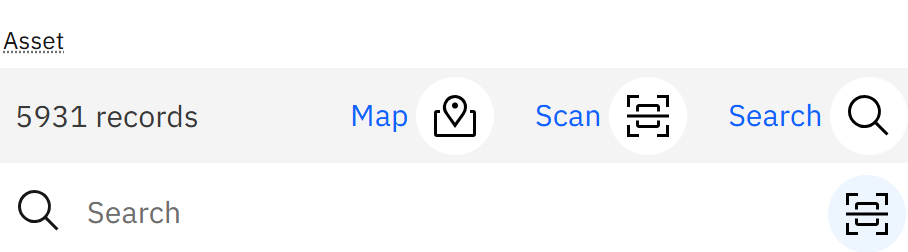
In the above picture, it took me only two fields to fill out to raise it. The self-service SR is specifically designed to allow non-technical people to raise a ticket. A bit like the app Snap Send Solve. An advantage when this is raised through the role-based app or Maximo Mobile is that you can use either the map (if the asset/location has had X and Y coordinates assigned) or the scan function to read a barcode/QR code/RFID.
There are also other apps that can be used for free, but that depends on which industrial solution you have installed.
I hope that gives you some more information and confidence about using the self-service SR for the non-technical people,
------------------------------
Craig Kokay
Principal Consultant
COSOL
email:
craig.kokay@cosol.global#IBMChampion
------------------------------