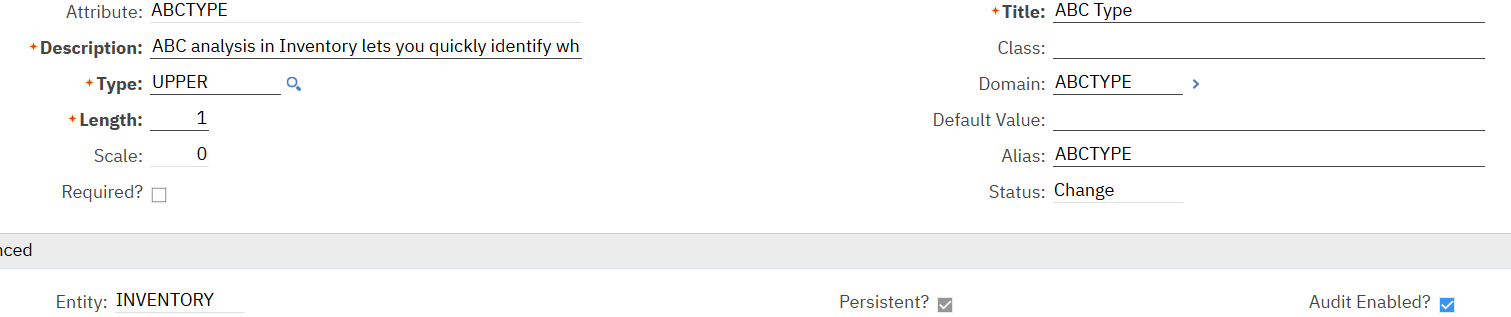
That means the audit table has been configured but there have been no changes to any of the fields you have defined as audit enabled. For example, if I wanted to audit the ABCTYPE field when it changed, I would need to set the "Audit Enabled" flag on the attribute.
Then when someone makes a change to one of the e-audit enabled attributes, a new record will be inserted. Changes to non-audited fields (ex: binnum) would not insert a record. Records that are created or deleted (though a delete of inventory is not possible) after e-audit is enabled will also be inserted into the audit table even if one of the audit fields are not set.
------------------------------
Steven Shull
Naviam
------------------------------
Original Message:
Sent: 04-28-2026 11:56
From: nasr buzaid
Subject: inventory audting table didn't created in the database
although i have updated the inventory
------------------------------
nasr buzaid
eni
------------------------------
Original Message:
Sent: 04-28-2026 10:58
From: Steven Shull
Subject: inventory audting table didn't created in the database
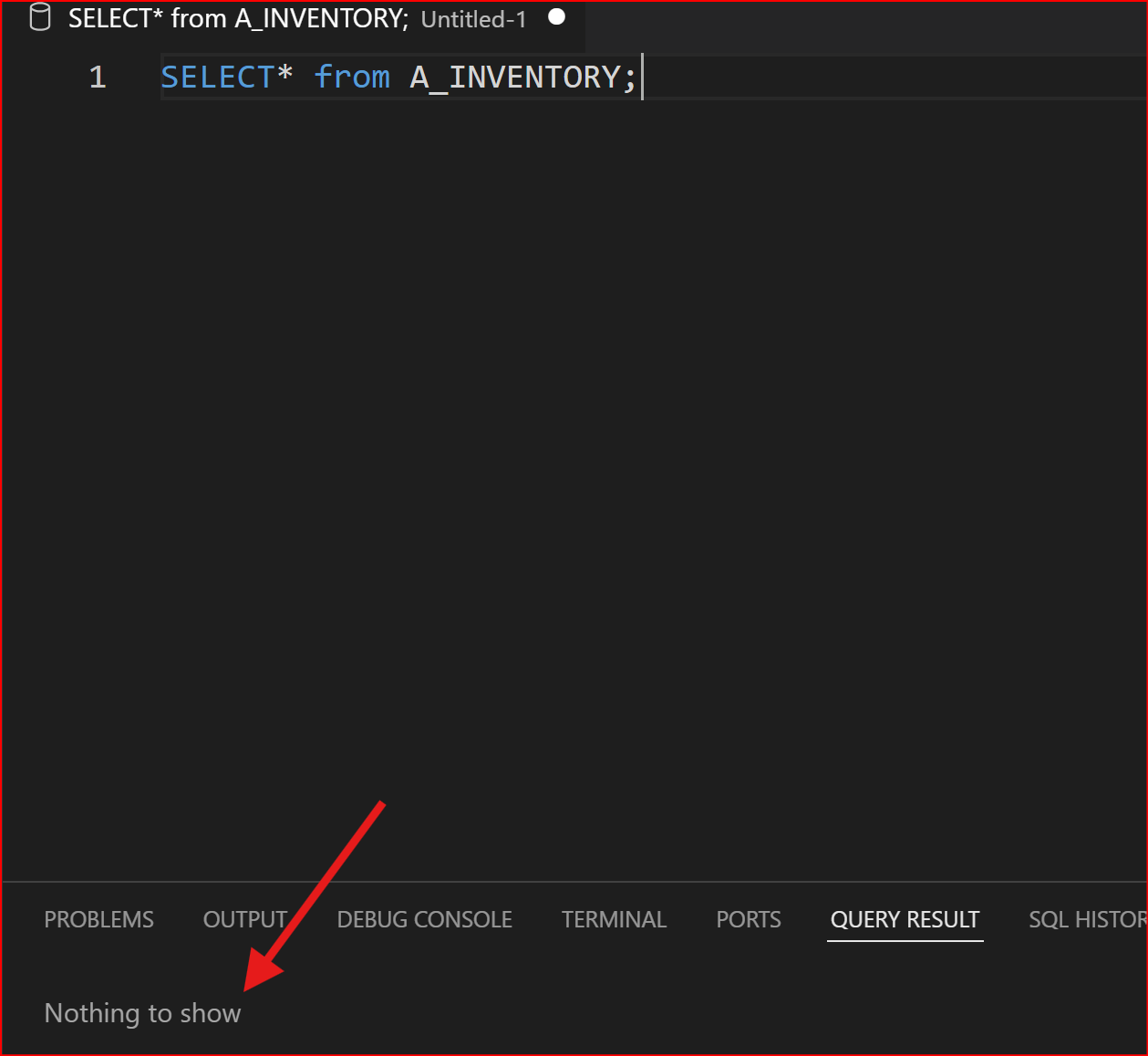
Your screenshots show two different objects. The Maximo Database Configuration shows an audit table on INVENTORY (A_INVENTORY) but you're querying the audit table for INVVENDOR (A_INVVENDOR) in your query editor. Are you sure that you configured the audit table on INVVENDOR as well?
Auditing is truly table by table because you need to specify the column(s) you want to be audited from each table.
------------------------------
Steven Shull
Naviam