After doing different actions in MAS or Manage you may see a green box pop up in the right side of the screen like this:
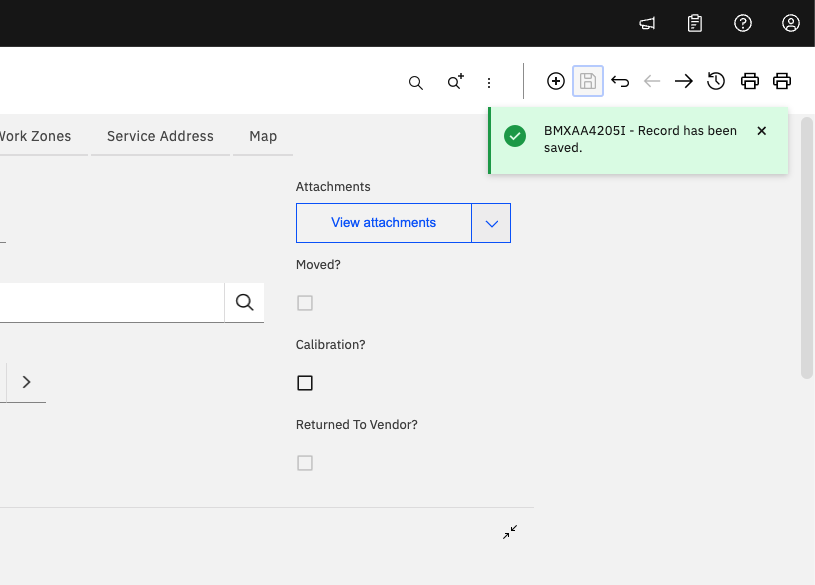
In earlier versions of MAS, this green box would get in the way of the action bar, such as moving to the next record, creating a new record, or printing a report. Based on my research, I am not even sure what version this change was made in, and I can not find a defect for the change. However, now this green bar is in the way if you save a record after using the 'Go To' method. For example, going from a WO and using 'Go To Asset', then saving the asset:
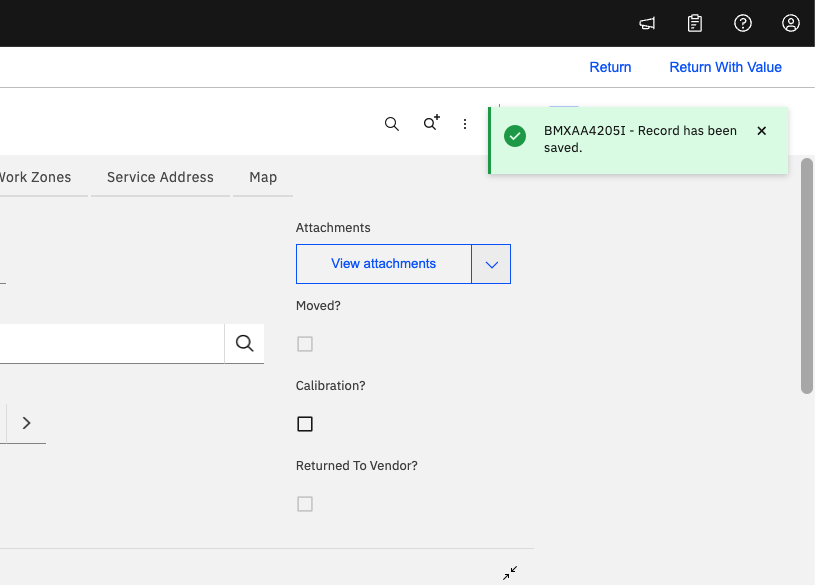
Did you know you can push this green bar down if you'd like? With a simple addition of CSS customization from the MAS Configurations, this bar could be moved further down the screen:
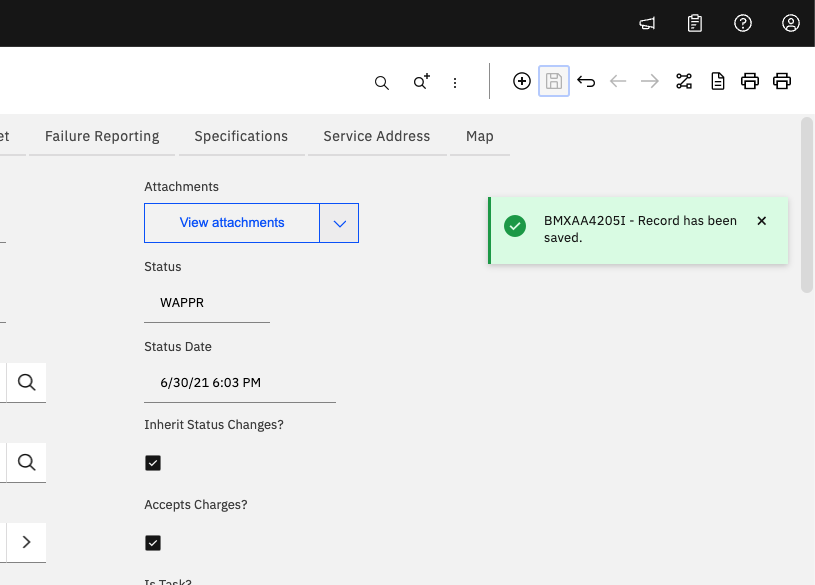
So if you are still on an older version of MAS and this green box is in the way, or you are on a newer version, but would still like to have the green box be lower on the screen, you can use the CSS below.
CSS User:
#titlebar_error_table {
top: 150px !important;
}
CSS is powerful all over MAS and Manage. Share your favorite CSS customization below and help someone else out on this #TipTuesday
Thank you,
#Administration
#Customizations
#EndUser
#EverythingMaximo
#MaximoApplicationSuite
#TipTuesday
------------------------------
Allan Henle
Naviam
------------------------------