using Maximo 7.6.1.3 Asset Management
Trying to add the PM.ERLSTWOGENDATE to a start center portlet
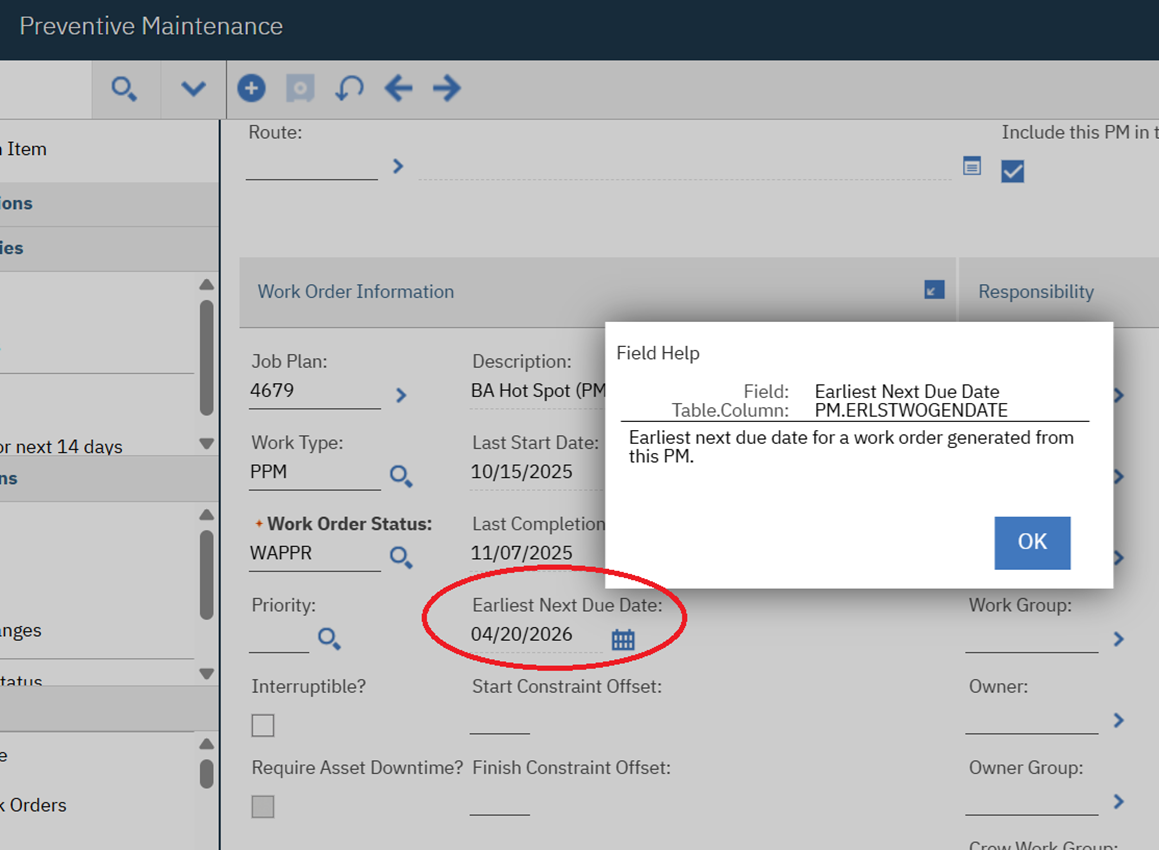
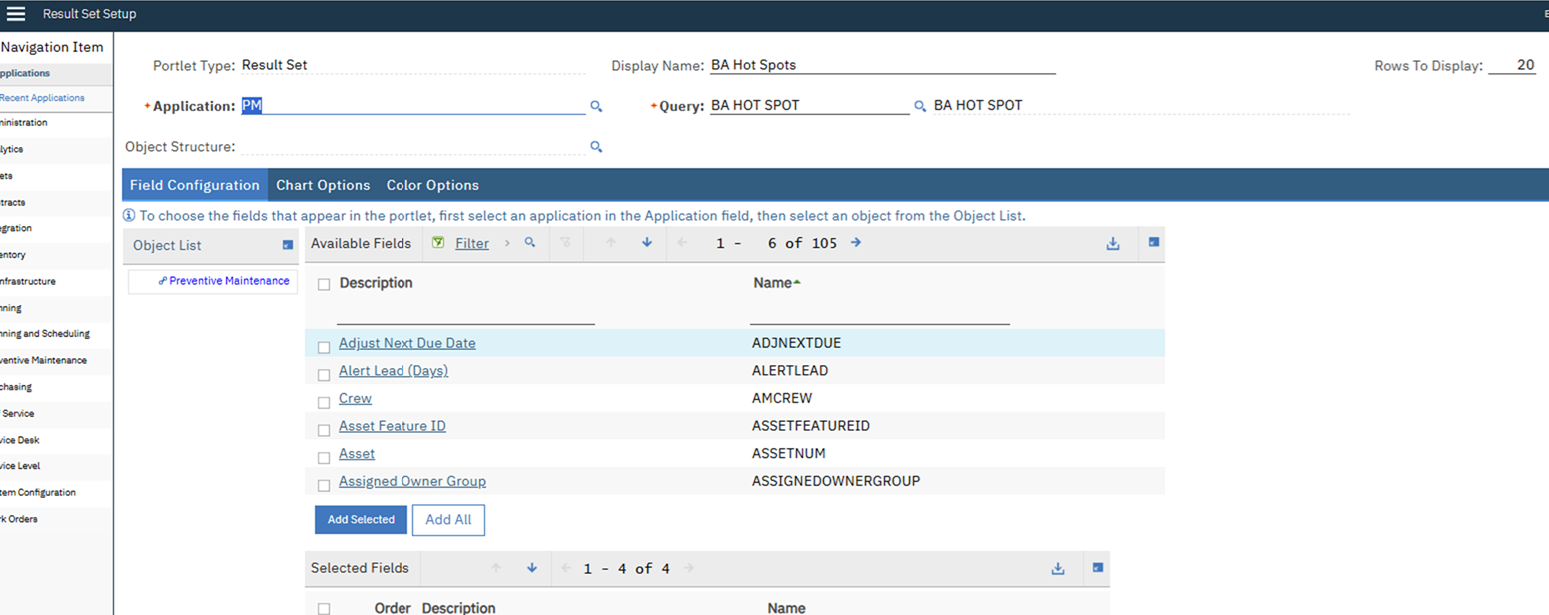
In the results set up – field configuration>object list
The field is not present - ERLSTWOGENDATE
Is there a way to add the filed to the results set for PM's to add to the portlet?
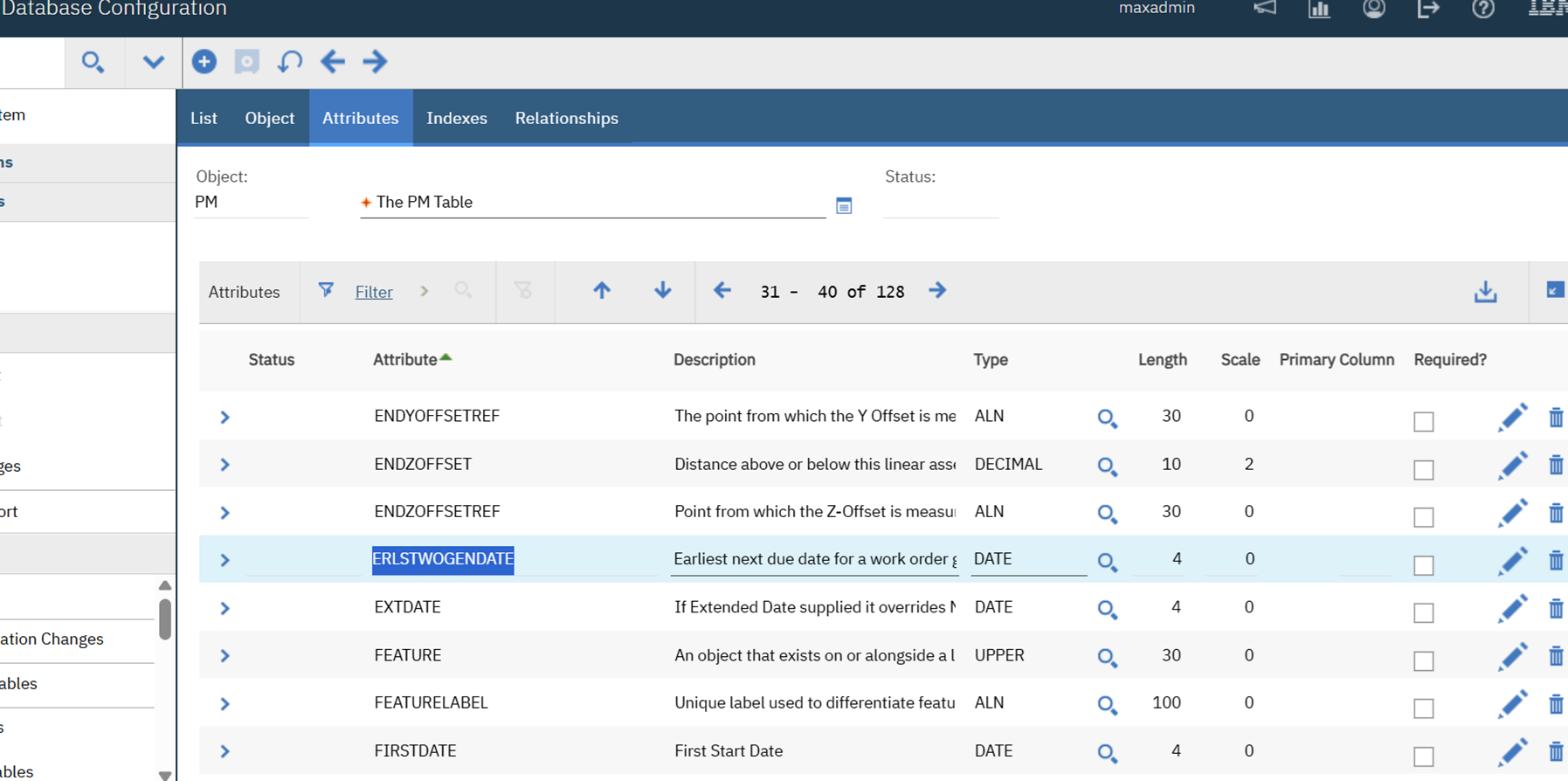
*note that in the portlet there are 105 fields and in the database there are 128.
In the PM table the filed is present – is this due to this being a calculated field? – see explanation below
Earliest Next Due Date Calculation Explained
Question & Answer
Question
What is the formula used to calculate the Earliest Next Due Date (PM.ERLSTWOGENDATE) for PMs?
Answer
The formula for the Earliest Next Due Date is:
If the Target Start = Y then it is PM.LASTSTARTDATE + PM.FREQUENCY
else (Target Start = N) it is PM.LASTCOMPDATE + PM.FREQUENCY
For Meter based PMs:
Units to go = Life to Date next meter reading (not shown in the UI,PMMETER.LTDREADATNEXTWO) - life to date current meter reading (ASSETMETER.LIFETODATE) - Generate wo ahead by (PMMETER.TOLERANCE)
Estimated Next Due Date = Todays date +( Units to go/ASSETMETER.AVERAGE) The estimated due date in PM tab is the earliest of date based and meter based dates.
#Administration
#MaximoApplicationSuite
#WorkCenters
#WorkManagement
------------------------------
Diane Nohner
City of Minneapolis
------------------------------