Hi Maximo Open Forum,
Have you ever tried to save a record and received a message like this?
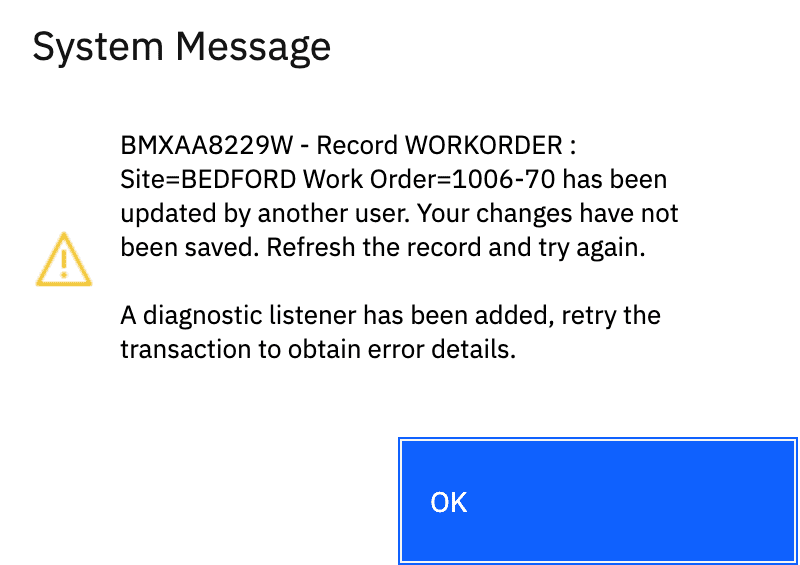
Maximo is preventing you saving because the record has changed after you opened it.
What is happening:
You open a record and begin making changes
While you are working, the same record gets updated
When you try to save, Maximo blocks the change to avoid overwriting data
Common causes:
Another user editing the same record
Automation scripts or escalations updating the record
A status change happening in the background
In most cases, nothing looks different on the users screen, but the record was still updated.
Maximo keeps track of each update using a value called a rowstamp. If that value changes before you save, the update is rejected to prevent overwriting data.
IBM explains this behavior here:
https://www.ibm.com/support/pages/record-has-been-updated-another-user?view=full
What you can do:
Refresh the record
Re-enter the info you were using
Save again
My tip here is, every few fields you adjust or every minute or so, save the record so you do not lose your progress by someone else making a change :)
Happy #TipTuesday
#MaximoApplicationSuite
#MaximoUserGroups
------------------------------
Lucas Pletz
Naviam
------------------------------