Maximo Open Forum

 View Only
  • 1.  Manage Columns in MAS 9: Available for every application's List View screen?

    Posted 02-27-2026 11:53

    Hello all, is there a way to enable manage columns for certain security groups for specific applications in Manage?  I only see it at the suite level currently.

    Thank you


    #Administration
    #Assets
    #EndUser
    #EverythingMaximo
    #Inventory
    #WorkManagement

    ------------------------------
    Danny Richardson
    Maximo Administrator Manager
    Technimark LLC
    ------------------------------


  • 2.  RE: Manage Columns in MAS 9: Available for every application's List View screen?

    Posted 03-02-2026 08:27

    The only Manage app I've seen it in so far is the Work Orders one.  That's one of the newer Graphite apps, so I expect as more applications go that way the capability will become more widespread.


    ------------------------------
    Amy Tatum
    Starboard Consulting LLC
    ------------------------------


  • 3.  RE: Manage Columns in MAS 9: Available for every application's List View screen?

    Posted 03-04-2026 18:00

    Thank you @Amy Tatum.  I had to enable that application access:


    ------------------------------
    Danny Richardson
    Maximo Administrator Manager
    Technimark LLC
    ------------------------------


  • 4.  RE: Manage Columns in MAS 9: Available for every application's List View screen?

    Posted 3 days ago

    Hi @Danny Richardson

    Were you able to activate it for the list view screen? If so, what process did you follow? I tried giving access to the app you said in the security group, but nothing changed


    ------------------------------
    Axel Alamilla
    It consol
    ------------------------------


  • 5.  RE: Manage Columns in MAS 9: Available for every application's List View screen?

    Posted 3 days ago

    Hello @Axel Alamilla, Manage Columns only works for Work Orders graphite application, but you cannot manage columns currently in Work Order Tracking or Quick Reporting list views.  If you have a screenshot of the app you are looking at I can tell you if that is the correct one.


    ------------------------------
    Danny Richardson
    Maximo Administrator Manager
    Technimark LLC
    ------------------------------


  • 6.  RE: Manage Columns in MAS 9: Available for every application's List View screen?

    Posted 2 days ago

    Since support for Manage Columns is built into the <table> web component in IBM Carbon, this functionality is currently only available in mobile and role-based applications.

    However, the <table> component includes a property called can-reorder-columns (enabled by default) that can be used to control whether the Manage Columns feature is available to users. This property could potentially be tied to a dedicated signature option configured for a specific application, such as WOSUMMARY.

    Therefore, there is no out-of-the-box security group configuration available for controlling this functionality. To implement such control, you would need to modify the <table> configuration in the target application and, preferably, create a dedicated signature option for this purpose.

    That said, these new capabilities are very interesting and provide significant value beyond role-based applications. The ability for users to configure their own views, not only through saved queries and data selection, but also by choosing which columns are displayed in list views is a highly requested feature.

    In the past, I have addressed this requirement by creating separate role-based applications that provide dynamic list views for standard applications. For example, users could select a specific location and then be redirected to the corresponding standard Location application, allowing for a more tailored user experience.
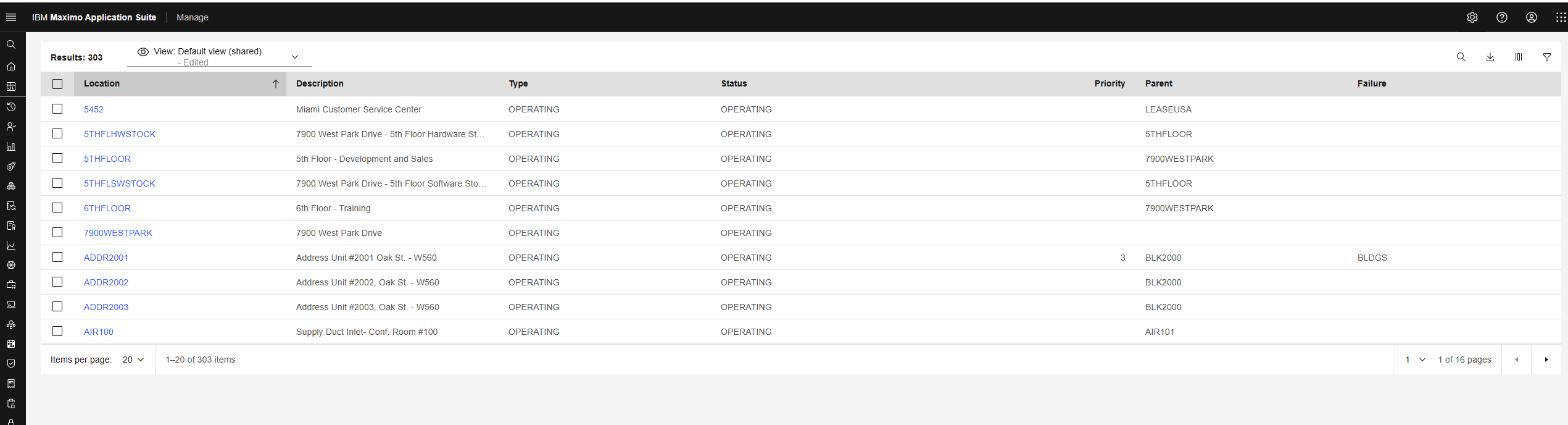
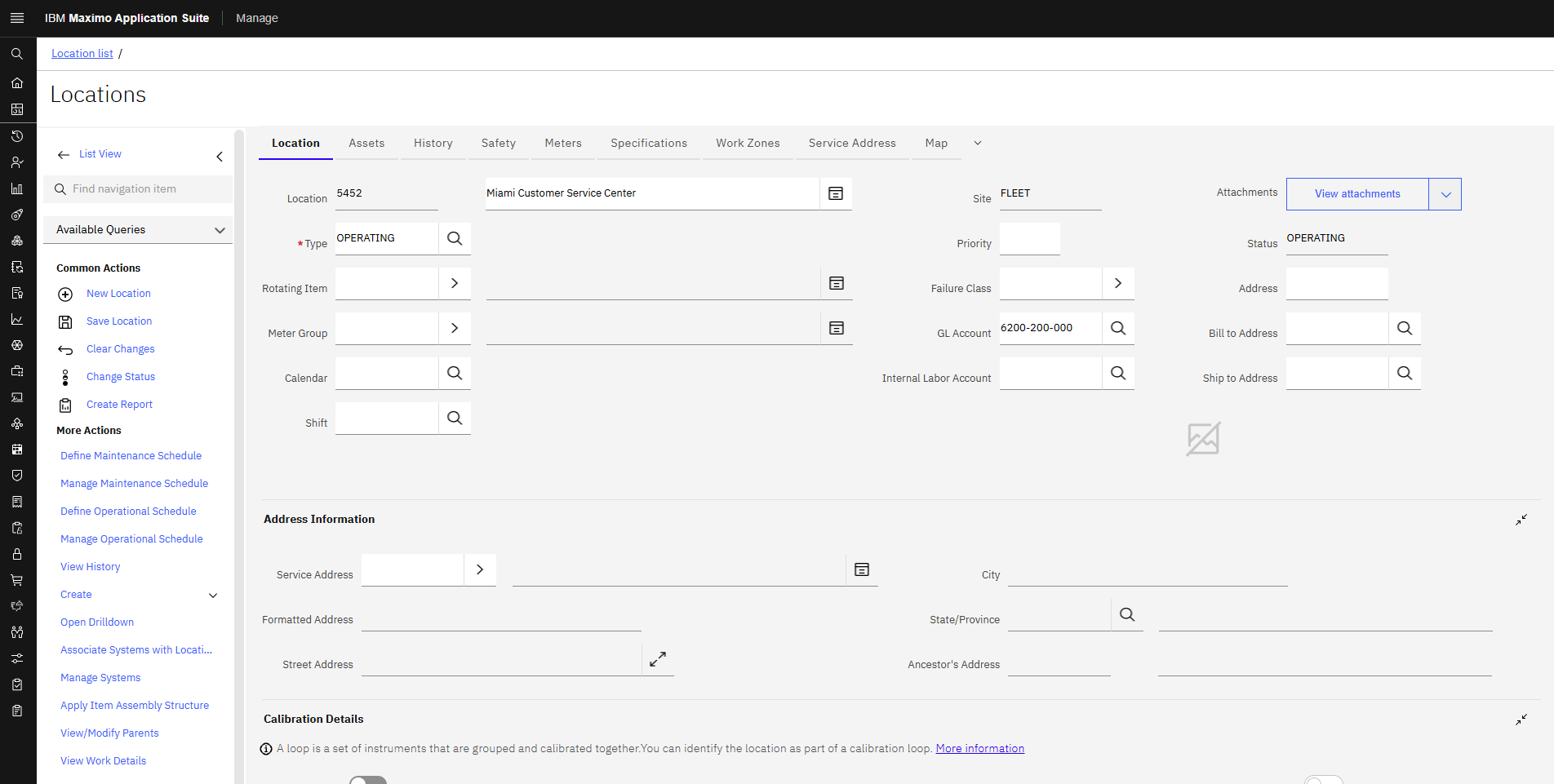
    Good luck!


    ------------------------------
    Isak Söderback
    Quale Consulting AB
    ------------------------------